Quick Start
Welcome to Harmonova and you’ve decided you just want to dive in! Well good news, Harmonova is configured out of the box to work with a 10 hole harmonica in the key of C, which is the most common sort of Harmonica available.
Record your first song
Open the Harmonova app, if you haven’t already and you’ll be presented with a screen like the one below.
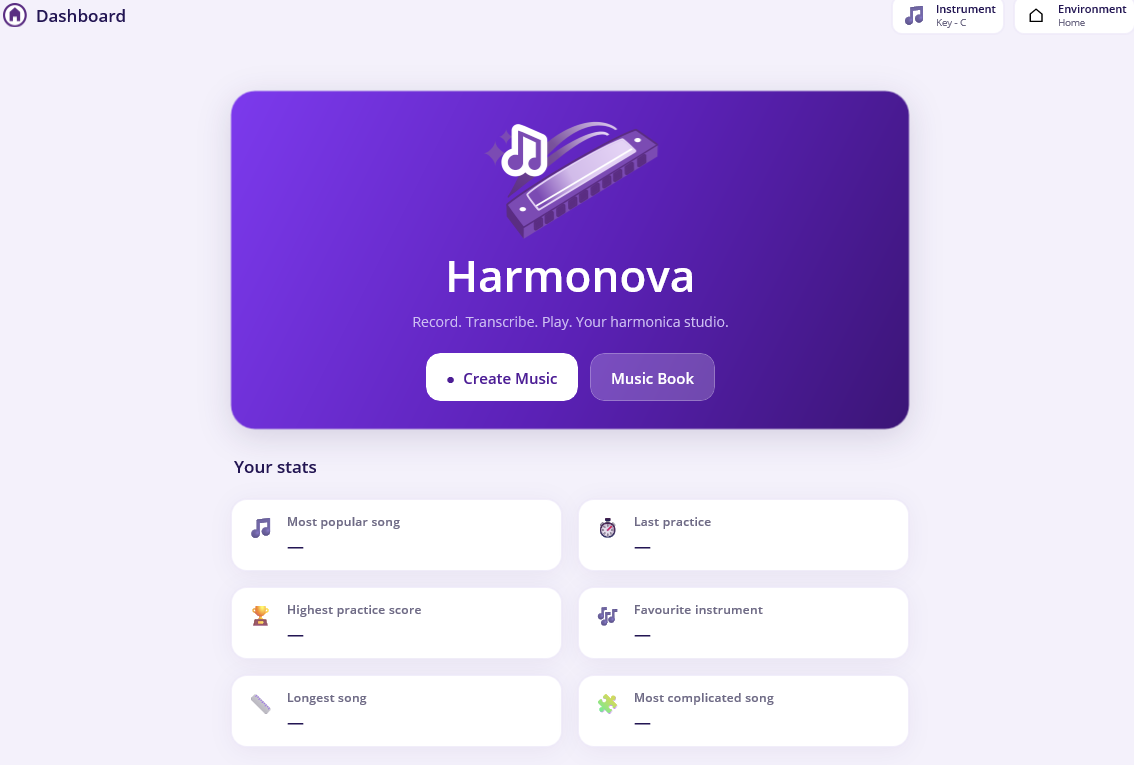
If you’re not on this page already, then just click the Home button  and it will return you to the dashboard.
Now we’re in the right place click on the  button and you’ll be transported
to an empty music sheet.
button and you’ll be transported
to an empty music sheet.
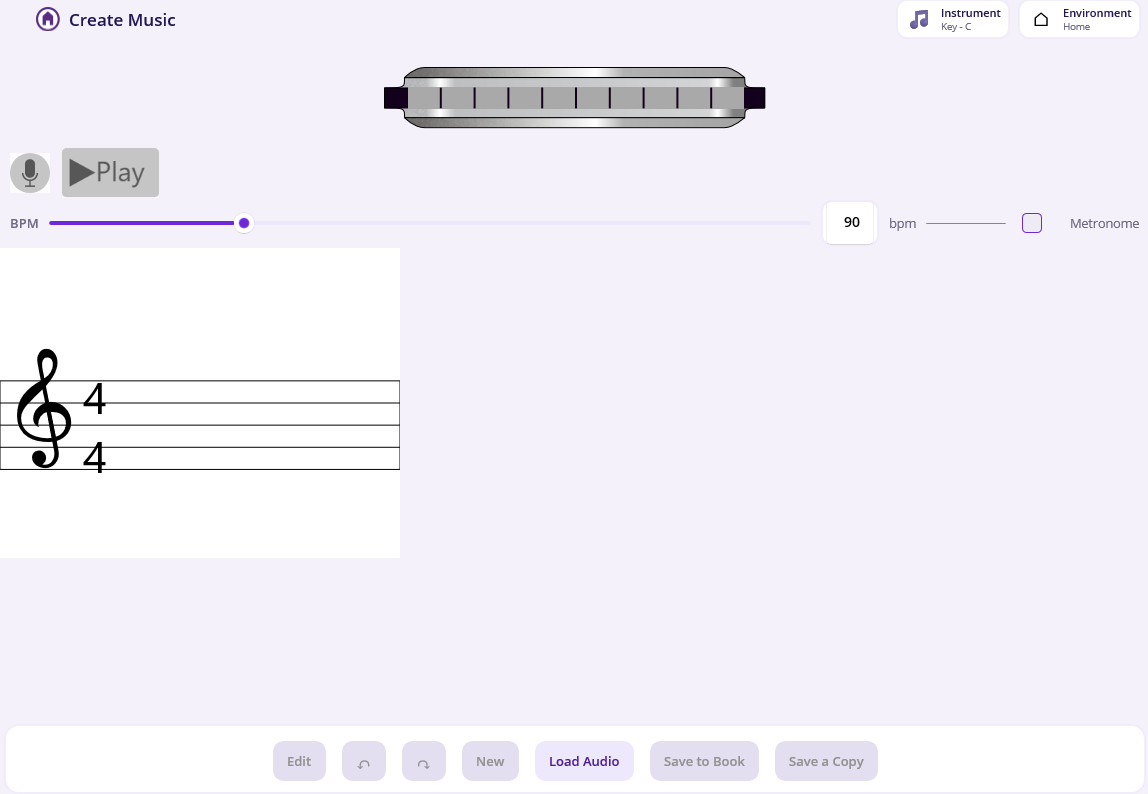
This screen is the main screen you’ll use in Harmonova for all its interesting functions. You’ll see this screen when you’re recording a new song, importing a song from a file, practising a piece you’ve already set up. This page has a lot of functionality and is described in detail on the Recording page.
For now all you need to know is about two features:
- If you want a metronome for timing, make sure the metronome circle looks like this.

- Clicking this circle will turn the metronome off. The default state of the metronome can be controlled via the app settings
- The microphone icon
 is what starts the recording. Harmonova will give you a 4 beat count in. The microphone will be amber
  whilst counting you in, get ready. The microphone will turn red
  when recording has started and that’s it, you’re live!
Warning
You might get an alert at this point asking for permission to use the microphone. For Harmonova to work you will need to grant the permission. So click Accept if prompted.
If everything has gone to plan, as you play notes, they will appear on the music sheet and you are creating your first piece.
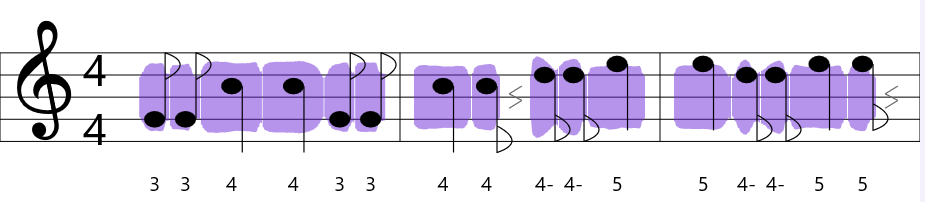
When you’re done recording, click the microphone again and the icon will turn grey
.
If you like what you’ve played you can save the piece to your music book. Click the Save to Book button and give it a name and then click OK.
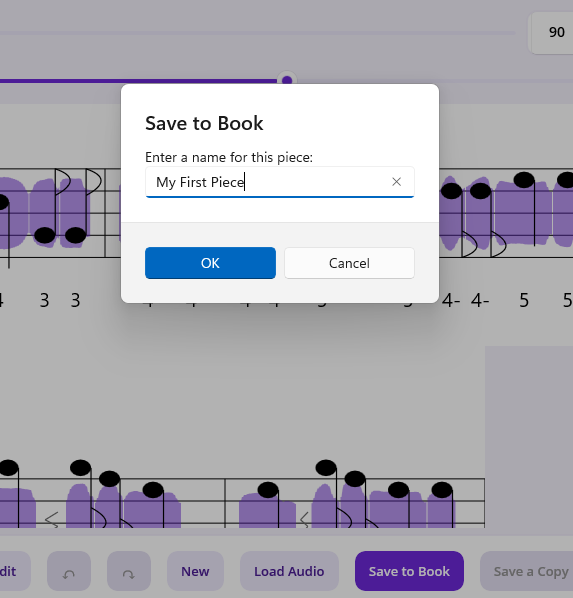
Well done, you’ve recorded your first piece! There is so much more to learn and do, you can edit this song, you can practise it and earn achievements, share it. For now though, you’ve done more than enough, have a read of the other sections in this instruction manual and see where your journey takes you!
Thanks for using Harmonova.